
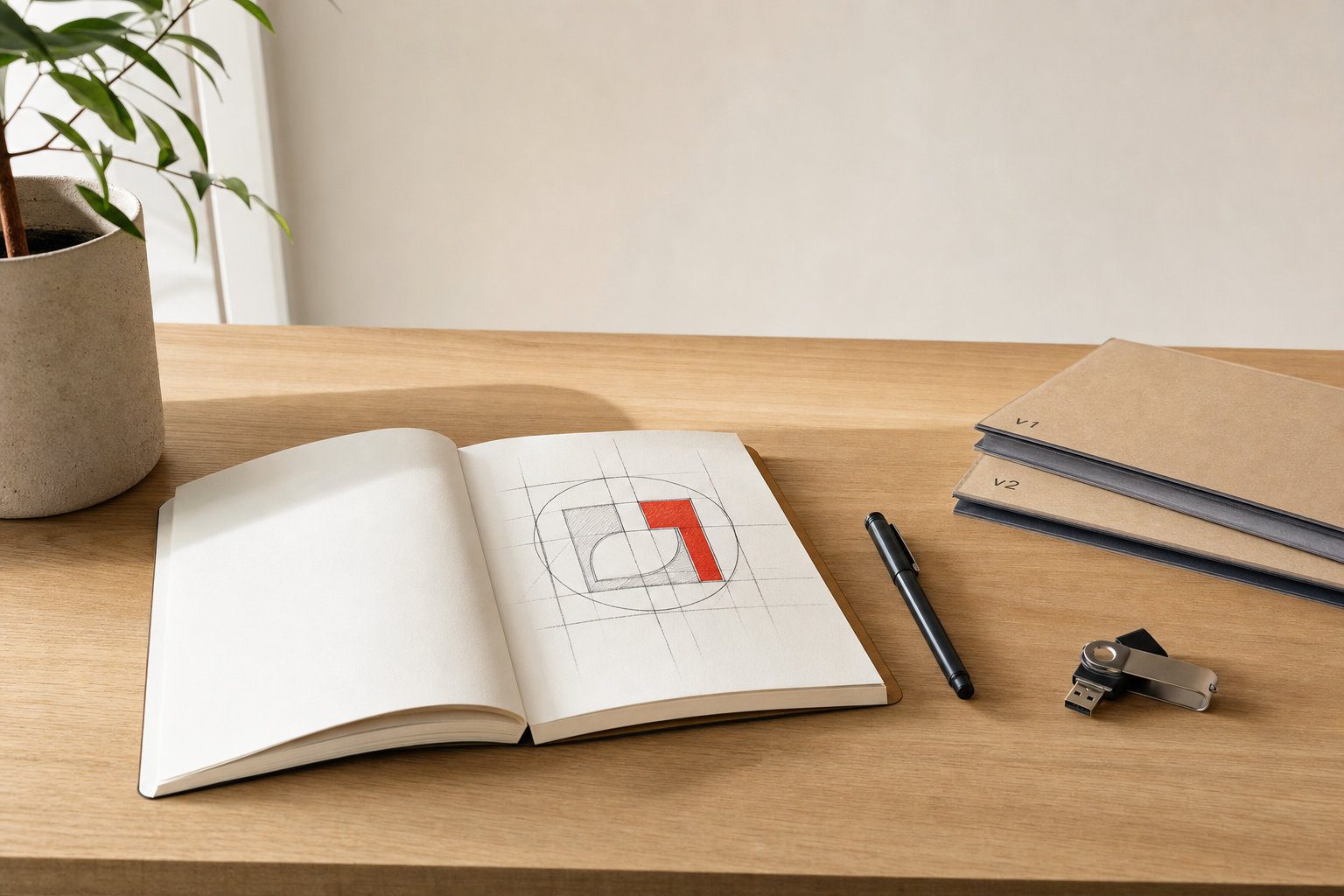
Efficient logo creation often hinges on managing complexity, communication, and consistency throughout every project stage. Productivity tools can transform how designers handle everything from creative exploration to client feedback, ensuring timelines are met without compromising on quality. By addressing common bottlenecks in the logo process, these systems allow designers to focus on what matters most—delivering original, impactful results.
Design professionals frequently encounter delays during logo projects due to mismanaged workflows and scattered communication. Linkedin automation tools, when integrated into your workspace, can help reduce these friction points, allowing you to maintain a clear focus on branding objectives. Streamlined productivity not only guards creative energy but also helps you produce logos that are well-organized and ready for real-world use. Understanding where time is lost and how technology can assist is essential for any designer determined to work more effectively.
Identifying time drains in logo creation workflows
The logo process can stall when research or conceptual development becomes unfocused. Designers often find themselves deep in reference gathering without a clear system, which can lead to duplication of effort and decision fatigue. Asset search, historical brand discovery, and moodboarding are all susceptible to over-exploration that eats into productive time.
Version control is another area where valuable hours slip away. Without a disciplined file and folder structure, designers might confuse the latest iteration or overwrite previous options. In addition, fragmented feedback, spread over several emails, chat platforms, or meeting notes, slows decision-making and introduces inconsistencies. Routine tasks such as exporting logos in multiple sizes and formats or assembling brand documentation also consume more time than anticipated if handled manually.
Key productivity tool categories for logo designers
Specialized research and moodboarding tools simplify early project stages by enabling you to collect and organize visual references efficiently. These platforms often offer tagging, annotation, and sharing features that help surface patterns and inspirations without unnecessary clutter. Consistent use of these tools can speed up the strategy phase while supporting original outcomes for each logo project.
Modern sketching and vector applications allow for fluid transitions from rough concept to polished mark. Many of these tools now feature real-time collaboration, intelligent version tracking, and cloud syncing to minimize friction between design iterations. Asset management systems also provide robust ways to label, store, and retrieve different logo versions and brand elements quickly, reducing the risk of confusion about which file is final or approved.
Structuring efficient and error-resistant logo workflows
Setting up clear project parameters can prevent much wasted effort later. Defining deliverables, usage scenarios, and brand values early in the process keeps projects on track and expectations clear. A repeatable folder structure, consistent file naming conventions, and diligent versioning make it easy to locate assets at every stage.
Task batching has proven effective for logo designers striving to optimize time. If you group similar tasks, like conceptual exploration, vector refinement, or bulk exporting, you reduce unnecessary context switching and avoid repetitive strain. Midway through, feedback checkpoints are essential for consolidating input and avoiding cycles of endless small revisions, and this can often be scheduled in advance to maximize clarity and minimize confusion. In parallel with asset output, systematizing export settings for web, print, and varying backgrounds means logo variants remain consistent. Integrated design-to-development handoffs further contribute to smoother transitions and reduced errors.
Safeguarding quality while accelerating logo production
The risk of derivative or generic outcomes grows when research is rushed or shortcuts are taken. Embedding originality checks, such as revisiting moodboards for overlap or running mark ideas through reverse image searches, helps maintain distinctive results. Consistent review of typographic elements and geometric structure is vital, especially when creating logo families or multi-format versions.
Before finalizing any files, clear quality safeguards include confirming that logos remain legible at small scales and across different display conditions. Previewing designs in monochrome, on dark and light backgrounds, and in both horizontal and vertical layouts exposes any weaknesses. These practices support the integrity of your work, ensuring that speed never comes at the expense of professional standards.
Aligning efficient workflows with modern brand requirements
Today’s brands demand more than a single logo file. They require a kit of logo assets that can function across social media, mobile devices, packaging, and digital platforms. Productivity tools designed for design professionals make it possible to prepare and organize logo packages with multiple formats, colorways, and responsive variants that are ready for deployment. Consistency across all touchpoints is reinforced through standardized templates and naming practices, which help teams maintain visual cohesion no matter how or where a logo appears.
By embedding productivity-focused processes from the outset, designers can meet contemporary brand needs without unnecessary delays or errors. The outcome is a smoother experience for clients and a more rewarding workflow for creative professionals, ensuring every logo project stays focused, original, and client-ready.