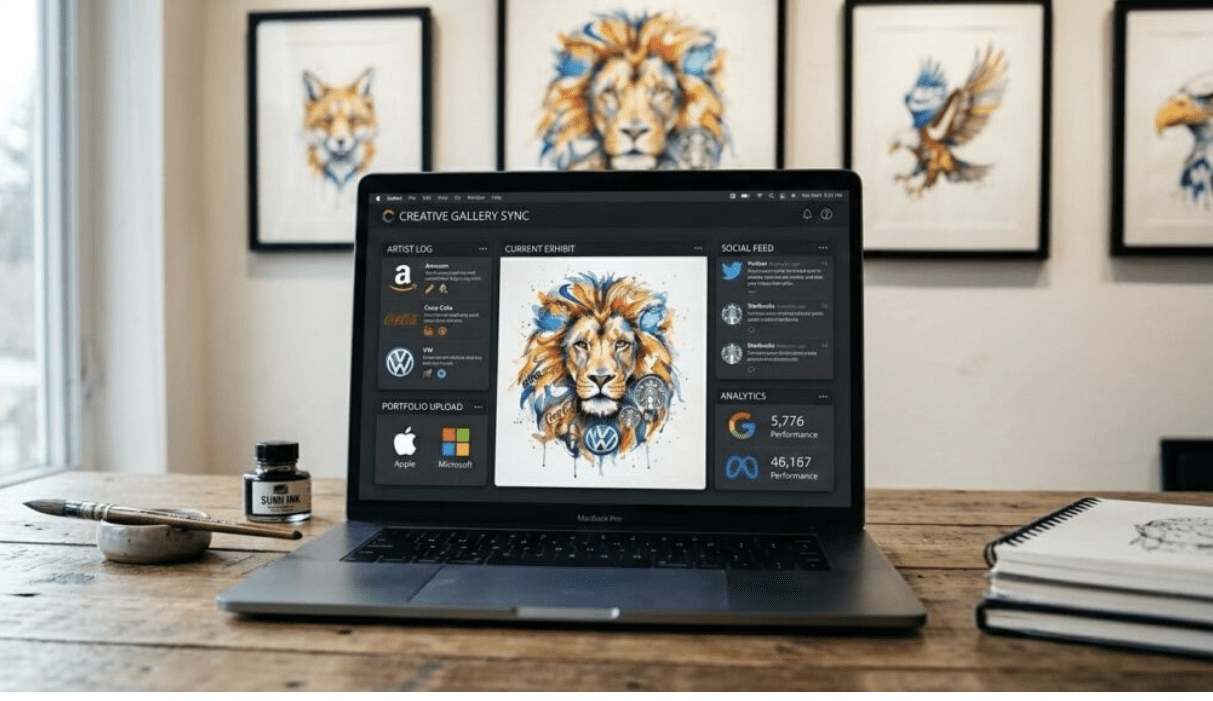
You finally have it – the perfect logo for your business. The colors look great, the font is completely you, and it feels amazing to see your business name represented visually. Many entrepreneurs get to this exact moment and assume the hard work of branding is officially done. They take that single image file and try to plaster it everywhere, from their website header to their social media profiles.
But having a logo is not the same as having a full brand identity. Making that beautiful design truly usable across the internet and in print requires an extra step that most people overlook. You need a practical bridge between the original concept and the actual graphics you upload for the world to see. Fortunately, you do not need expensive software or a design degree to make this happen. A free photo editor can turn raw logo files into brand-ready assets. With the right adjustments, you can easily adapt your single logo file into a versatile toolkit that works flawlessly everywhere you need it.
A Logo File Is Not a Brand Asset – Not Yet
There is a major difference between a raw logo file and a deployment-ready brand asset. A raw file is often exactly what it sounds like: a flat image, usually a basic JPEG, sitting on a white background. It looks great when you open it on your computer, but the moment you try to use it in real life, the problems start popping up.
Maybe you try to place it over a dark background on your homepage, and a giant white box appears around it because it lacks transparency. Perhaps you upload it as a profile picture, but the dimensions are completely wrong, and half of your business name gets cut off. You might also notice color inconsistencies when you place the logo on different backgrounds, or find that the file format limits where you can upload it.
These are not just minor design annoyances. They are real business problems. When a customer sees a pixelated or improperly cropped image, it subtly affects how they perceive your professionalism and reliability from day one. To fix this quickly and easily, using Wixel and its built-in free photo editor allows you to tweak, crop, and save your files in the exact formats you actually need, ensuring your business looks polished and legitimate across every channel.
What Brand-Ready Actually Requires Before You Go Live
So, what does it mean for a logo to be truly ready for the public? A brand-ready logo is one that adapts to its environment without losing its quality or readability. This requires having the correct file formats prepared for every specific use case, including web banners, social media avatars, email signatures, and printed materials.
You also need consistent visual behavior across both light and dark backgrounds. A dark logo text that looks sharp on a white screen will completely disappear if you place it on a navy blue footer. Preparing alternate color versions solves this instantly. Additionally, you must define clear space rules – meaning the invisible breathing room your logo needs around its edges so it never looks cramped next to other text or images.
Scalability is another crucial factor. Your logo needs to remain crisp whether it’s printed on a tiny business card or blown up for a large promotional banner. A great logo should work everywhere, so getting these elements right is a vital part of your launch process. Proper photo editing and file preparation are prerequisites, not optional afterthoughts.
How a Photo Editor Can Make or Break Your Logo
Even the most beautiful logo design can lose its impact if you do not handle it correctly in post-production. The most common errors happen when business owners try to force a single file to do a dozen different jobs.
Stretching aspect ratios is a classic mistake. We have all seen logos that look oddly squished or stretched out because someone tried to force a rectangular image into a square space without properly cropping the canvas first. Using low-resolution exports is another frequent error. Saving a small file for the web and then trying to stretch it for a print flyer results in fuzzy, amateurish pixelation.
You also want to avoid placing your logo on clashing backgrounds or ignoring basic contrast requirements. If your brand colors are pastel, slapping them over a bright, busy photograph will make your text impossible to read. Understanding these pitfalls is absolutely essential when creating a visual identity system. Proper preparation prevents these mistakes, keeping your brand cohesive, legible, and professional over time.
Building a Complete Logo Toolkit With a Photo Editor and Logo Maker
You can build a comprehensive brand toolkit entirely on your own in one smooth workflow. The process starts with generating your core design using a reliable logo maker, giving you a strong foundation. Once you have that initial design, you bring it into your editing software to generate the specific variations you need.
Start by exporting a transparent PNG. This version removes the background entirely, allowing you to float your logo over photos, colored backgrounds, and varied website sections. Next, create a dark version and a light version. If your main logo is black, make an all-white version so you have maximum flexibility.
Then, move on to social media-optimized crops. Create perfect squares with your logo centered and plenty of clear space around the edges, so platforms like Instagram and LinkedIn do not crop out your letters. Finally, save a high-resolution variant specifically for print. Completing this quick checklist means you are never caught scrambling for the right file when a great opportunity arises. Best of all, this process is completely accessible to non-designers and takes very little time.
How AI Is Reshaping the Way Brands Manage Visual Assets
The tools we use to prepare visual assets are getting smarter and much faster. Artificial intelligence is completely reshaping the editing process, removing the tedious manual work that used to require hours of practice to master.
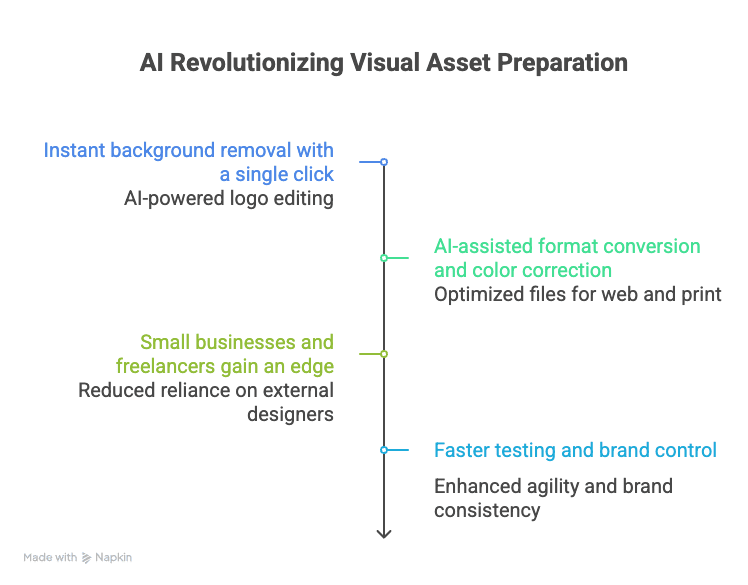
Tasks like background removal, which once required painstakingly tracing the edges of your logo pixel by pixel, now happen instantly with a single click. AI-powered format conversion and intelligent color correction ensure your files are optimized perfectly for web compression or print resolution without you having to understand complex export settings.
This shift toward AI-assisted brand management is incredible news for small businesses, freelancers, and startups operating on lean budgets. You no longer need to hire an external designer just to resize an image or change a background color. Getting comfortable with these smart tools right now gives you a meaningful edge, allowing you to move faster, test new ideas quickly, and maintain total control over how your brand looks out in the real world.
Your Logo Was Always Just the Starting Point
A beautiful logo is an exciting milestone, but it is ultimately just the foundation of your visual identity, not the finished product. The real brand-building work happens in how that logo is prepared, adapted, and applied consistently across every single touchpoint your customers interact with.
When you take the time to refine your raw files- cropping them correctly, ensuring transparency, and preparing alternate colors- you build a toolkit that actively works for your business. Revisit your existing assets today. Look at them through the lens of brand readiness. By taking just a few minutes in an editing tool, you can instantly turn your great ideas into polished, professional assets that command respect and drive your business forward.